Physical Address!
Globlar OÜ Harjumaa Tallinn, Estonia!
Physical Address!
Globlar OÜ Harjumaa Tallinn, Estonia!

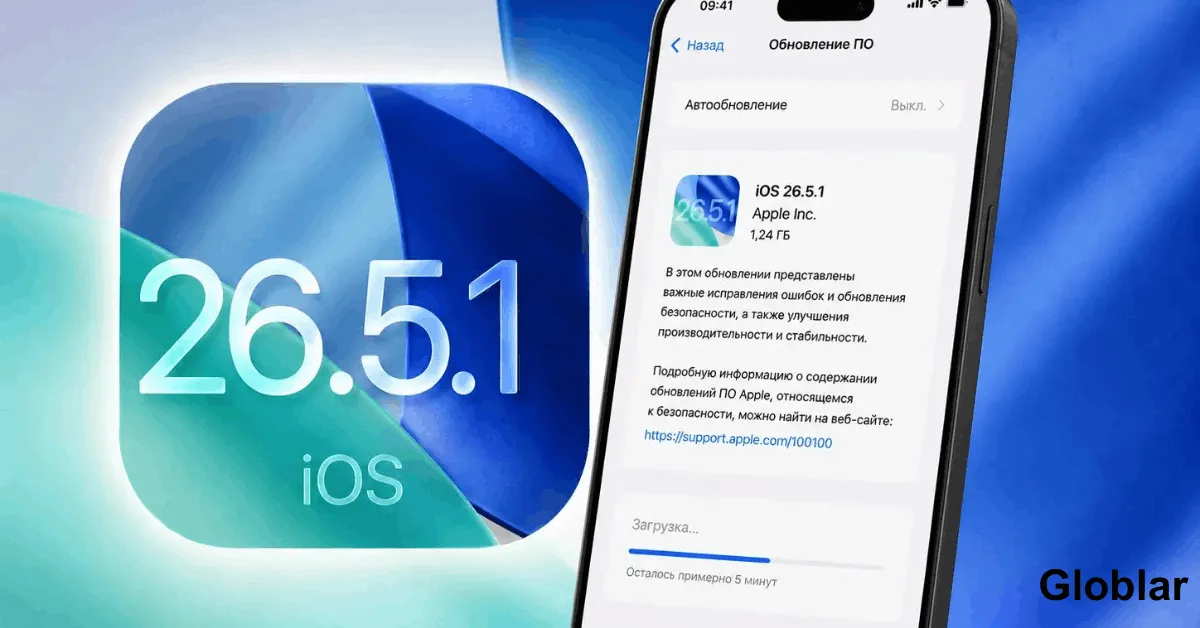
If your iPhone has felt “off” since you tapped Update laggy keyboard, battery melting away by lunchtime and Wi-Fi dropping for no reason you’re not losing your mind and you’re not alone. Thousands of iPhone owners hit the same wall right after installing iOS 26.5 and Apple’s own release notes barely scratch the surface of what actually broke.
Here’s the good news: almost every one of these bugs has a real tested fix. Some take 30 seconds. One or two take a bit more patience. None of them require you to throw your phone in a drawer and wait for Apple to notice.
This guide walks through all bug iOS 26.5 owners are actually reporting not just the security patch notes and gives you the exact steps to fix each one in the order you should try them.
If you only have 30 seconds here’s the short version: iOS 26.5 introduced background indexing and system recalculation tasks that can misfire causing battery drain, overheating and stutter. Most of these clear up on their own within 24–72 hours. If they don’t a Reset All Settings (not a full erase) fixes it for roughly 90% of affected users.
Now let’s go bug by bug.
| Is iOS 26.5 Really That Buggy? |
| Fix #1: Severe Battery Drain |
| Fix #2: Overheating iPhone |
| Fix #3: Wi-Fi Dropping / Won’t Reconnect |
| Fix #4: Bluetooth Pairing Failures |
| Fix #5: Keyboard Lag and Typing Glitches |
| Fix #6: Stuttering, Freezing and Scroll Lag |
| Fix #7: RCS / Messages Not Sending |
| Fix #8: Siri Not Responding |
| Fix #9: Share Sheet and App Crashes |
| Should You Even Update to iOS 26.5? |
| iOS 26.5 vs 26.5.1 vs 26.5.2: What Changed |
| FAQs |
| When to Actually Contact Apple |
Short answer: for some devices yes. Apple’s official notes for iOS 26.5 focused almost entirely on the security side <cite index=”3-1″> the update patched more than 50 security vulnerabilities including ten WebKit flaws that could expose sensitive data or cause crashes </cite>. What Apple didn’t put front and centre is the wave of everyday complaints that followed.
Reports gathered from Reddit threads and Apple’s own support community describe a consistent pattern: <cite index=”12-1″> stuttering, battery drain and overheating, keyboard glitches and RCS issues, Siri issues and app-sharing bugs and odd UI behaviour </cite> after installing the update. To be fair it isn’t universal <cite index=”12-1″> some users report the update actually improved performance or battery life </cite> so this isn’t a total system failure more like an update that landed rough for a meaningful chunk of iPhones.
The most repeated complaint by far is sluggishness. On one Reddit thread <cite index=”5-1″> a user asked whether iOS 26.5 had been noticeably buggy and another replied it wasn’t fully broken but felt “a bit sluggish” while a second commenter described “horrible stutters” until a reboot the next day fixed it </cite>. A similar thread elsewhere called it a rough update with stutter-type errors.
Here’s the important context most articles skip: a chunk of this is normal temporary background work not a permanent bug. <cite index=”12-1″> Battery life can look worse for a day or two because the iPhone is reindexing files updating app data processing photos or recalculating system tasks in the background </cite>. The problem is when it doesn’t stop after 48 hours. That’s your signal to actually start troubleshooting instead of waiting it out.
This is the #1 complaint. One affected iPhone 16 Pro owner described apps <cite index=”12-1″> showing up in battery usage that they hadn’t opened either in the foreground or background and Photos repeatedly prompting to edit images it hadn’t selected </cite> classic signs of a background process stuck in a loop rather than an actual battery fault.
Try these in order:
Heat and battery drain almost always show up together and <cite index=”12-1″> the heating complaint appears tied to battery drain in several reports </cite>. If your phone feels warm to the touch especially around the camera bump treat it the same as the battery fix above plus:
If Wi-Fi keeps disconnecting or your iPhone falls back to cellular data randomly this is almost always fixed the same way as the battery issue: Reset Network Settings (see Fix #1 step 3). This particular bug pattern Wi-Fi instability draining battery in the background has shown up in nearly every major iOS release for over a decade so Apple’s fix path hasn’t really changed either.
If a network reset doesn’t hold:
If AirPods and CarPlay or a Bluetooth speaker suddenly won’t connect or keep dropping:
Less discussed publicly but reported frequently in support threads: delayed key registration autocorrect misfiring or the keyboard briefly freezing mid-sentence.
This is the single most-reported issue after iOS 26.5. If your Home Screen and Messages or Safari stutters when scrolling:
iOS 26.5 introduced end-to-end encrypted RCS messaging between iPhone and Android for the first time a genuinely useful feature but a new one which means new failure points. If messages to Android users are failing or not showing the encryption lock icon:
If Siri feels slower to respond or ignores the wake phrase entirely:
A smaller but real cluster of reports involves the Share Sheet failing to open or specific apps crashing when trying to share content. Since Share Sheet behaviour depends on iOS extensions, app entitlements and privacy permissions. A system update can expose problems that weren’t visible before.
Yes and here’s the honest trade-off. iOS 26.5 patched more than 50 security vulnerabilities several of them serious enough that Apple deliberately withheld technical details to stop attackers exploiting them before people updated. That’s not a small thing to skip. Apple has been explicit that AI tools are now shortening the window between a vulnerability going public and it getting exploited which is part of why it has been shipping smaller faster security-only updates recently instead of waiting for the next big release.
In plain terms: the bugs above are annoying but skippable security patches are not. Update then use this guide to clean up whatever broke.
| Version | Released | What It Fixed |
| iOS 26.5 | May 11, 2026 | Encrypted RCS messaging 50+ security vulnerabilities patched new Pride Luminance wallpaper |
| iOS 26.5.1 | ~June 2026 | iPhone 17 charging issue & M5 Mac shutdown bug |
| iOS 26.5.2 | June 29, 2026 | Roughly 30 additional security fixes almost entirely in WebKit including a clipboard-hijacking vulnerability |
If you’re still on plain iOS 26.5 and hitting bugs described above update to 26.5.2 first before doing any deep troubleshooting several of the stutter and connectivity complaints have already been quietly smoothed out in the point releases that followed.
Is iOS 26.5 safe to install despite the bugs? Yes. The bugs are inconvenient but the security fixes it includes address vulnerabilities Apple considered serious enough to patch outside the normal release cycle.
Will these bugs fix themselves without me doing anything? Some will within 24–72 hours especially battery drain and heat tied to background indexing. Stutter and Wi-Fi drops and app-specific crashes usually need one of the fixes above.
Does Erase All Content and Settings delete my photos? Yes it wipes the entire device. Only use it as a last resort and only after confirming you have a complete and recent backup.
Will updating to iOS 26.5.2 fix bugs from iOS 26.5? For many users yes. 26.5.1 and 26.5.2 have shipped fixes for specific hardware and security issues since the original 26.5 release and general performance has improved for a portion of affected devices.
If you’ve tried Reset Network Settings Reset All Settings and confirmed you’re on the latest point release (26.5.2 or later) and the problem still hasn’t budged especially overheating that doesn’t calm down after removing the case and letting the phone rest that’s the point to stop troubleshooting solo and reach Apple Support directly since it may indicate a hardware-level issue rather than a software one.
Written By globlar.com | Author: Majid Ishfaq, Digital Marketing & Consumer Tech Analyst!