Physical Address!
Globlar OÜ Harjumaa Tallinn, Estonia!
Physical Address!
Globlar OÜ Harjumaa Tallinn, Estonia!

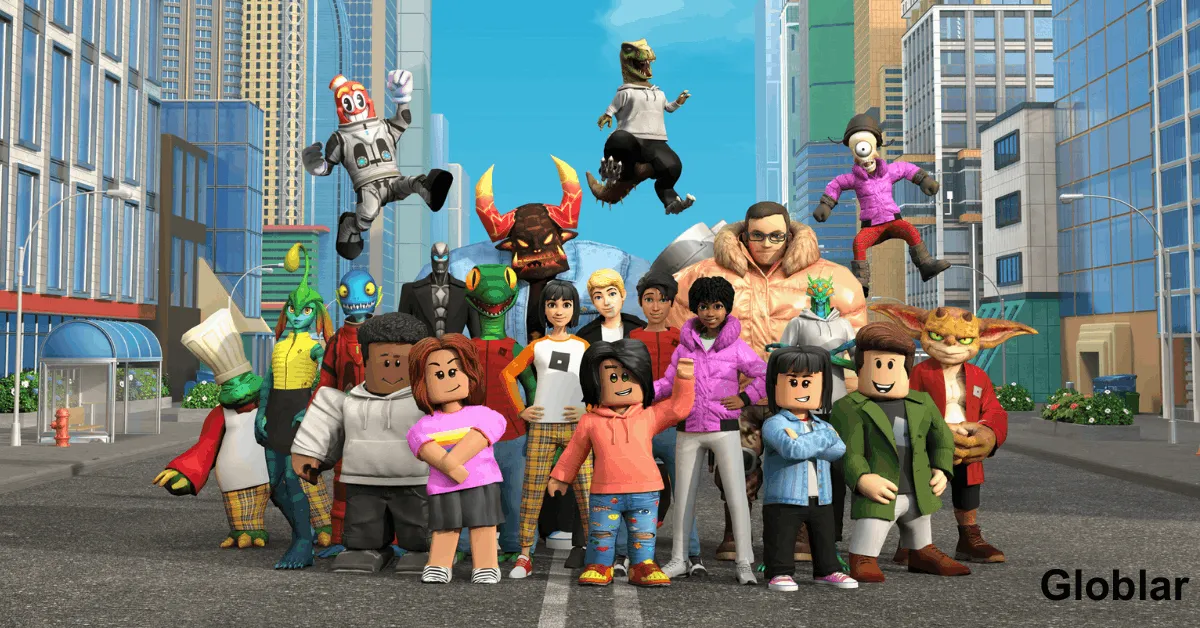
Quick Update: Before diving into complex troubleshooting remember that server issues are usually fixed by the development team within 60 to 90 minutes take a breath your inventory Robux and game data are completely safe! You just logged on ready to jump into your favorite experience but you are staring at an endless loading screen or an ominous error pop up. The immediate panic sets in. Is Roblox down for everyone in the US or is your internet just playing tricks on you?
There is nothing more frustrating than getting kicked out of a game mid match or finding out that the marketplace won’t load your hard earned items. When a massive platform with millions of active daily users experiences a stutter. The digital world feels like it comes to a sudden halt.
Thankfully you don’t have to sit in the dark wondering what went wrong. Let’s look at how to check the live status of the servers right now decode what those annoying error messages actually mean. Fix the issues if the problem turns out to be on your end.
How to Check If Roblox Servers Are Currently Down:
When the platform acts up your first line of defense is figuring out whether the issue is a nationwide outage or a localized glitch on your specific device.
The quickest way to get official confirmation is by visiting status.roblox.com. Roblox splits its system tracking into distinct categories:
Website & Mobile App: Tracks whether you can log in browse the marketplace or customize your avatar.
Games & Studio: Tracks actual server connectivity and the developer environment.
Data Store & Asset Delivery: Monitors whether your player data and in-game items are loading properly.
Sometimes official dashboards take 15 to 20 minutes to acknowledge a sudden spike in server drops. To get real time info directly from other players across the United States look at platform sentiment:
Social Media: Search the hashtag RobloxDown on X (Twitter). If thousands of players across Texas, California and New York are experiencing the exact same issue. It’s a global server problem.
Community Forums: Check the active pinned threads on the r/roblox subreddit. Where players instantly post screenshots when a server crash occurs.
If the main servers are up and running perfectly but you are still locked out Roblox will usually throw a specific error code your way. Understanding these codes saves you hours of aimless troubleshooting.
Error 279 | Connection ID Loss The game cannot connect to the server. Disconnect from your VPN or switch from Wi-Fi to an ethernet cable.
Error 610 | HTTP 400 Bad Request Often happens during massive site maintenance. Log out of your account clear browser cookies and log back in.
Error 524 Authorization Error You lack permission to join this specific server. Ensure the hosts privacy settings allow friends or guests to join.
Error 268 | Kicked by Server due to unexpected client behavior or suspected exploitation. Disable any background game modifiers and reinstall the client.
If the official status page shows green lights across all systems but you are still stuck on a loop. The issue rests somewhere between your device and your local internet service provider (ISP). Follow this diagnostic checklist to get back in the game.
Do not underestimate the classic router reset. Unplug your internet modem and router from the wall outlet wait a full 30 seconds and plug them back in. This clears out corrupted cache routing paths between your home and the main data servers.
Old accumulated data can trick the game client into thinking it can not find a stable connection.
On PC: Press Windows Key + R type %localappdata%\Roblox and delete the contents inside the temporary files folder.
On Mobile: Go to Storage Settings > Apps > Roblox > Tap Clear Cache.
Sometimes an overprotective Windows Defender or third-party antivirus suite flags a new Roblox client update as an unknown threat. Temporarily disable your firewall or add RobloxPlayerBeta.exe to your whitelist to see if connectivity returns.
While a Virtual Private Network (VPN) is excellent for daily privacy routing your game data through secondary servers can cause severe matchmaking latency or trigger security flags on Roblox automated anti-cheat systems. Turn off your VPN completely before hitting Play.
Are you playing on an Xbox, a tablet or a PC? Ensure your native app storefront Microsoft Store, Google Play and iOS App Store is not holding a mandatory security patch in queue. An outdated client version will immediately fail to handshake with active game servers.
When popular developers drop major game updates or launch massive promotional events hundreds of thousands of players try to connect to the exact same servers simultaneously. This sudden surge creates a digital traffic jam that can temporarily overwhelm the platform’s infrastructure.
No. Your digital inventory account balance and cosmetic items are securely saved on a cloud database separate from the active matchmaking game servers. Once connectivity is restored your profile will load exactly as you left it.
If everything looks operational but you are still locked out after completing the checklist visit the official Roblox Support Page to submit an assistance ticket detailing your specific error code and device layout.
When a platform scaling across millions of devices undergoes regular background maintenance short periods of downtime are inevitable. The best approach is to bookmark this page, monitor the community channels and let the engineering teams deploy their hotfixes.
What error code are you currently experiencing, or did a simple router reset do the trick? Let us know in the comments below and share this guide with your guildmates to keep them informed!
Why do you think Roblox experiences most of its unexpected downtime in the US during weekend afternoons? Let’s discuss it in the comments below!
Written By globlar.com | Author: Majid Ishfaq!