Physical Address!
Globlar OÜ Harjumaa Tallinn, Estonia!
Physical Address!
Globlar OÜ Harjumaa Tallinn, Estonia!

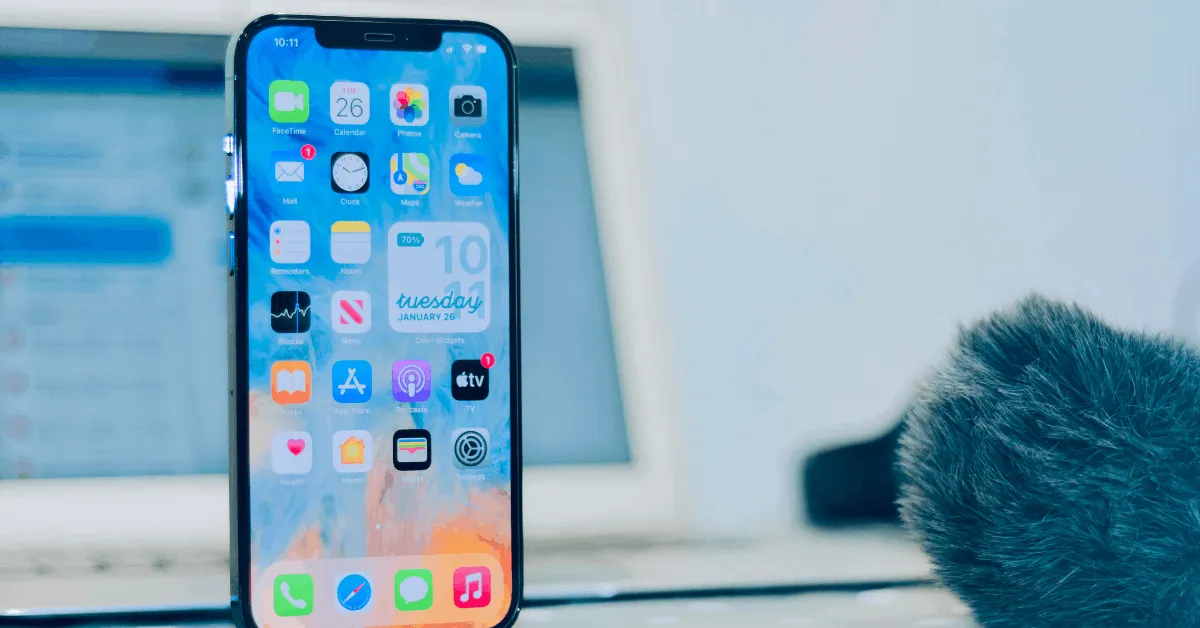
Your iPhone just got a quiet but meaningful upgrade and most people have no idea what changed. Apple dropped iOS 26.5 on May 12, 2026 and while it’s not the massive overhaul that iOS 26 was back in the fall it packs features that actually affect how you text, navigate and keep your data safe every single day.
Here’s what’s wild: the biggest feature in this update end-to-end encrypted RCS messaging is something millions of iPhone users have been waiting for without even knowing it existed. If you text Android users your conversations just got a whole lot more private.
In this guide we’re breaking down every single new feature in iOS 26.5 not just what they are, but what they actually mean for you and how to use them starting today.
Let’s get into it.
iOS 26.5 is Apple’s latest software update for iPhone released on May 12, 2026. It’s an incremental update not a full version release but it arrives with a handful of genuinely useful changes.
The update sits within the iOS 26 family the same software generation Apple introduced last fall with its stunning Liquid Glass redesign. Think of iOS 26.5 like a content drop: Apple isn’t redesigning your phone but they are making it work better and more securely.
Plus: 50+ security patches Apple Books improvements new data transfer options and some groundwork being laid for bigger things to come.
How to install it: Go to Settings → General → Software Update. If you’re running iOS 26 already. The update should appear automatically. It’s free and Apple strongly recommends installing it partly for the features mostly for those security fixes.
This is the update most iPhone users should care about most even if it sounds technical at first glance.
When you text someone on an Android phone your iPhone uses a messaging protocol called RCS (Rich Communication Services). Apple added RCS support back in iOS 18 as a massive upgrade over old-school SMS it brought read receipts higher-quality media sharing and typing indicators to green-bubble conversations.
But there was one glaring problem: those RCS messages weren’t encrypted end-to-end. That meant in theory your carrier or a bad actor with network access could potentially read your messages in transit. Not ideal.
iOS 26.5 fixes that. Apple has now enabled end-to-end encryption for RCS messages exchanged between iPhones and Android devices. When both you and the person you’re texting have a carrier that supports the feature your messages are fully encrypted from your phone to theirs and nobody in between can read them.
Encrypted conversations even display a small lock icon in the Messages app similar to the lock you see on iMessage conversations.
A few important caveats worth understanding:
For years iPhone users who care about privacy have been told to use iMessage exclusively or switch to a third-party app like Signal whenever texting Android users. That’s no longer a fully satisfying answer in 2026. When most people simply aren’t going to change the app their family and friends use.
End-to-end encrypted RCS closes that gap. It’s not quite as airtight as Signal but for everyday conversations with Android users your messages are now dramatically more private than they were before iOS 26.5.
Apple Maps just got a feature that feels long overdue and depending on your perspective it’s either a smart discovery tool or the beginning of something controversial.
When you tap the search bar inside Apple Maps in iOS 26.5 you’ll now see a Suggested Places section before you even type anything. Apple’s algorithm surfaces two personalized recommendations based on:
Think of it like you might like this prompt. If you searched for coffee shops last week and there’s a new brunch spot trending in your neighborhood Maps might surface it automatically.
In practice early users report the recommendations are genuinely useful surfacing places they actually end up visiting.
Here’s where things get nuanced. iOS 26.5 doesn’t just introduce Suggested Places as a user feature it also lays the technical groundwork for advertising inside Apple Maps.
Code spotted inside the iOS 26.5 beta includes language noting that “Maps may show local ads based on your approximate location current search terms or view of the map while you search.” Apple hasn’t switched ads on yet but the infrastructure is built. The expectation is that paid placements will appear in Maps sometime this summer.
This has generated real frustration among Apple users who have historically valued Maps as an ad-free alternative to Google Maps. Whether the ads will feel intrusive or blend naturally into the “Suggested Places” format remains to be seen.
For now what you see in Suggested Places is organic but that’s expected to change.
This one’s more visual than functional but if you like personalizing your lock screen it’s worth checking out.
Apple has added the Pride Luminance wallpaper to iOS 26.5 as part of its 2026 Pride collection. It’s a dynamic wallpaper that refracts colors across a full spectrum in real time described by Apple as celebrating the vibrancy spirit and individuality of the LGBTQ+ community.
What makes it stand out from most iOS wallpapers is the level of customization it offers. Users can choose from dozens of different color combinations giving it a genuinely unique look depending on how you set it up.
It also pairs with a matching Apple Watch face and the 2026 Pride band for Apple Watch so if you’re in that ecosystem you can pull together a cohesive aesthetic across your devices.
How to get it: Go to Settings → Wallpaper → Add New Wallpaper then scroll through the wallpaper categories. The Pride Luminance wallpaper is available as a free download.
This one’s more of a teaser than a full feature but it’s interesting for avid readers.
Inside iOS 26.5 developers have spotted code referencing upcoming Year in Review for 2026 features for the Apple Books app. The hints point to an achievement system with titles and medals categories like “The Loyal Reader”, “Reading Royalty” and “The Power Reader” have been identified in the code.
It appears Apple is building a Spotify Wrapped-style recap experience for Books users potentially arriving later this year. If you use Apple Books regularly this is something to keep an eye out for.
If you’ve ever switched from iPhone to Android (or helped someone do it) you know the data transfer process can feel incomplete. iOS 26.5 addresses one specific pain point.
When transferring data from an iPhone to an Android device you now have more granular control over how far back your message attachments go. The new options are:
Previously the options here were more limited forcing users to either transfer everything (which takes significantly longer) or lose important media entirely. This gives switchers meaningful control and makes large transfers much more manageable.
Every iOS update includes security patches and every tech writer tells you to install them quickly and most people ignore that advice anyway. But the iOS 26.5 security update deserves real attention.
Apple has patched more than 50 security vulnerabilities in this release. That’s a high number for a point release and it covers a wide range of potential exposures across the operating system.
Security updates aren’t glamorous but they’re genuinely the most important reason to update especially if you use your iPhone for banking payments and work email or anything involving personal data. A vulnerability that lets a malicious app or website access parts of your phone it should not even silently can be exploited before you ever know it existed.
The action here is simple: update as soon as possible. Settings → General → Software Update.
One thing worth addressing directly: if you’ve been waiting for the upgraded more intelligent Siri that Apple has been promising it is not in iOS 26.5.
Apple is holding its next major Siri improvements for iOS 27 which is expected to be unveiled at WWDC 2026 on June Eight, 2026. Apple has been working on significantly expanded Apple Intelligence features deeper conversational Siri capabilities and broader AI integration across the operating system.
iOS 26.5 does not include these features. Internally most of Apple’s AI engineering attention is squarely focused on iOS 27 at this point which is why this release feels relatively modest in scope.
If you were hoping iOS 26.5 would finally deliver the AI assistant transformation that’s coming just not yet.
iOS 26.5 supports the same devices as iOS 26. Generally this includes iPhone models going back to iPhone 12 and newer (those with Apple A14 Bionic chip or newer).
For the RCS end-to-end encryption feature specifically you’ll need:
Apple has also released separate updates for older iPhones that can’t run iOS 26 including iOS 18.7.9 so if you’re on an older device you can still get the security fixes.
Short answer: yes. Here’s a quick breakdown:
There’s no strong reason to avoid this update. It’s stable the features are genuinely useful and the security patches are important.
If you’re not sure how to update here’s the full process:
The whole process usually takes 10–20 minutes depending on your Wi-Fi speed and device model.
iOS 26.5 is expected to be one of the last significant updates in the iOS 26 cycle. Apple’s attention has largely shifted to iOS 27 which will be unveiled at WWDC 2026 on June Eight 2026 and is expected to launch in fall 2026 alongside the iPhone 18 lineup.
Early expectations for iOS 27 include:
If iOS 26.5 felt like a quiet update iOS 27 is shaping up to be anything but.
What are the new features in iOS 26.5? iOS 26.5 includes end-to-end encrypted RCS messaging (beta) a new Suggested Places feature in Apple Maps the Pride Luminance wallpaper Apple Books “Year in Review” groundwork updated iPhone-to-Android transfer options and 50+ security patches.
Is iOS 26.5 available now? Yes. Apple released iOS 26.5 on May 12, 2026. You can download it now via Settings → General → Software Update.
Does iOS 26.5 improve messaging with Android users? Yes. iOS 26.5 introduces end-to-end encryption for RCS messages between iPhone and Android devices making those conversations far more private. Both users need a supported carrier for encryption to activate.
Does iOS 26.5 include new Siri or Apple Intelligence features? No. Apple is holding major Siri and Apple Intelligence upgrades for iOS 27 which is set to be revealed at WWDC in June 2026.
Is the iOS 26.5 update safe to install? Yes. iOS 26.5 is a stable release that has gone through several weeks of beta testing. In fact with 50+ security patches included not updating is riskier than updating.
Why is Apple adding ads to Apple Maps? The groundwork for Apple Maps ads is included in iOS 26.5 but ads aren’t live yet. Apple plans to roll out paid placements in Maps during summer 2026. The Suggested Places feature is expected to include sponsored listings once ads go live.
How do I enable RCS end-to-end encryption in iOS 26.5? It’s enabled by default if your carrier supports it. You can verify the setting at Settings → Messages → RCS Messaging → End-to-End Encryption (Beta).
Will iOS 26.5 drain my battery faster? Apple notes that software updates can affect performance and battery life temporarily. Most users report this normalizes within a day or two as the system re-indexes. No widespread battery complaints have been reported with iOS 26.5.
iOS 26.5 isn’t the most dramatic update Apple has ever shipped but it’s far from a throwaway release.
End-to-end encrypted RCS messaging is a meaningful privacy upgrade that makes your iPhone more secure in daily use. Suggested Places in Maps is genuinely useful even if the coming ads feel like a trade-off. And 50+ security fixes are reason enough to update regardless of the new features.
The bigger story? Apple is clearly in a holding pattern saving its headline-worthy moves for iOS 27 and WWDC in June. But if the iOS 26 cycle has taught us anything it’s that even the “small” updates have a way of mattering more than they look on paper.
Update your iPhone. Turn on RCS encryption. Check out the wallpaper. And stay tuned the next few months are going to be a big deal for iPhone users.
Did this help? Share it with an iPhone user who doesn’t know about the new features. And check back on globlar.com for our full iOS 27 coverage coming in June 2026.
Written By globlar.com | Author: Majid Ishfaq!