Physical Address!
Globlar OÜ Harjumaa Tallinn, Estonia!
Physical Address!
Globlar OÜ Harjumaa Tallinn, Estonia!

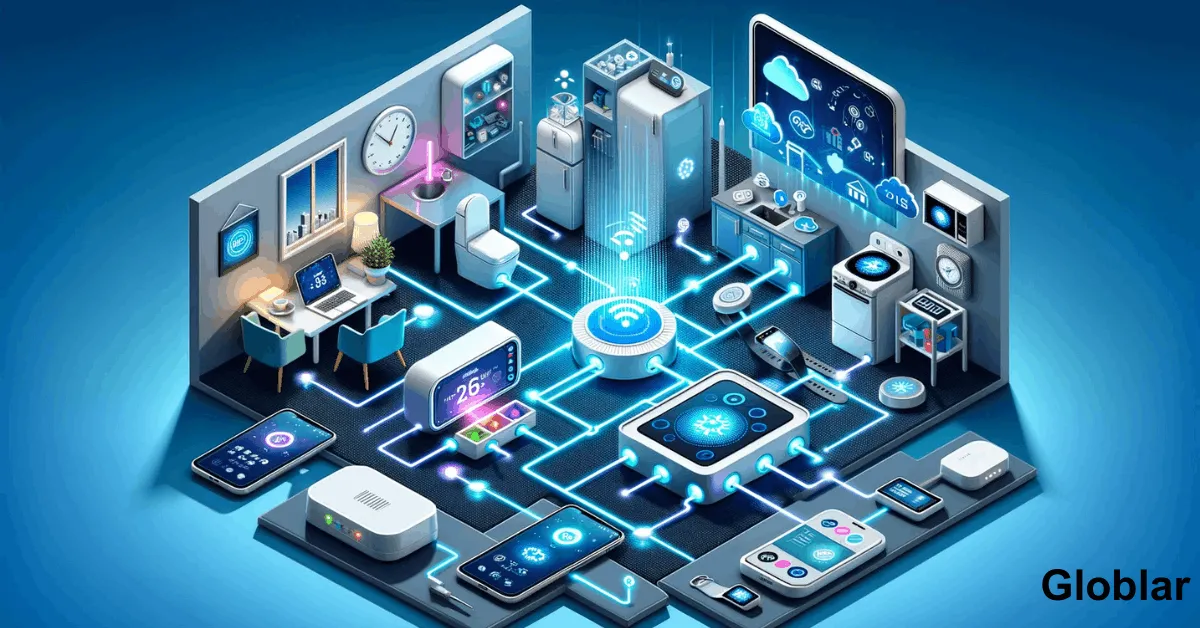
The average American household now owns multiple connected devices from smart thermostats and security cameras to voice assistants and smart lighting systems. Yet many people buy these devices without fully understanding the different ways they can be controlled.
Here’s something interesting the method you choose to control your IoT devices can significantly impact convenience or security, reliability and even your monthly energy costs.
Whether you’re building a smart home managing connected devices for your business or simply exploring Internet of Things (IoT) technology understanding your control options can help you create a more efficient and secure connected environment.
In this guide you’ll learn the six standard ways to control IoT devices how each method works and which option is best for different situations.
IoT / Internet of Things devices are physical objects connected to the internet that can collect or exchange and process data. These devices often include sensors, software and communication technologies that allow users to monitor and control them remotely.
Common examples include:
The primary benefit of IoT technology is convenience. Users can automate tasks monitor devices remotely and improve efficiency through intelligent controls.
Mobile applications remain the most common method for controlling IoT devices.
Manufacturers typically provide dedicated smartphone apps that allow users to configure settings or monitor performance, receive notifications and operate devices remotely.
The IoT device connects to the internet through Wi-Fi and cellular networks or other communication protocols. The mobile app communicates with cloud servers which relay commands to the device.
A homeowner can adjust a smart thermostat from their smartphone while traveling.
|
Advantages: |
Disadvantages: |
Best For: |
|
Easy to use |
Requires internet connectivity |
Smart home users |
|
Remote access from anywhere |
May depend on cloud services |
Beginners |
|
Real-time notifications |
Different brands often require separate apps |
Remote device management |
|
Detailed device settings |
||
|
Firmware updates |
Voice control has transformed how people interact with connected devices.
Instead of opening apps and navigating menus users can simply speak commands to a voice assistant.
Popular voice assistants include:
Voice assistants process spoken commands and send instructions to compatible IoT devices.
|
Advantages: |
Disadvantages: |
Best For: |
|
Hands-free operation |
Voice recognition errors |
Smart homes |
|
Accessibility benefits |
Privacy concerns |
Families |
|
Fast command execution |
Requires compatible devices |
Accessibility-focused users |
|
Convenient for multi-device control |
Many IoT devices offer browser-based dashboards that allow users to manage devices through a computer.
This method is especially popular among businesses and advanced users.
Users log into a secure web portal where they can monitor devices, review data and issue commands.
|
Advantages: |
Disadvantages: |
Best For: |
|
Large screen management |
Less convenient than mobile apps |
Businesses |
|
Advanced analytics |
Requires browser access |
IT administrators |
|
Centralized control |
May have a learning curve |
Industrial IoT environments |
|
Ideal for multiple devices |
A smart hub acts as the central brain of a connected ecosystem.
Instead of managing each device separately a hub enables centralized control across multiple brands and technologies.
The hub communicates with devices using protocols such as:
The hub then allows users to control all devices from a single interface.
A smart hub can coordinate lighting, security systems or thermostats and sensors simultaneously.
|
Advantages: |
Disadvantages: |
Best For: |
|
Unified management |
Additional hardware cost |
Large smart homes |
|
Better automation |
Initial setup complexity |
Advanced users |
|
Reduced app clutter |
May have a learning curve |
Multi-brand ecosystems |
|
Improved device compatibility |
Automation is where IoT technology becomes truly powerful.
Instead of manually controlling devices users create rules that automatically trigger actions.
Users establish conditions and actions.
|
Advantages: |
Disadvantages: | Best For: |
|
Saves time |
Initial configuration required |
Smart homes |
|
Improves energy efficiency |
Troubleshooting can be complex |
Energy management |
|
Reduces manual tasks |
May have a learning curve |
Business automation |
|
Creates smart workflows |
Despite advances in remote technology many IoT devices still include traditional physical controls.
These controls provide a backup method when connectivity issues occur.
|
Advantages: |
Disadvantages: |
Best For: |
|
Works without internet access |
No remote access | Backup control |
|
Immediate response |
Limited functionality |
Elderly users |
| Easy for all users | May have a learning curve |
Emergency situations |
| Creates smart workflows |
|
| Control Method | Convenience | Remote Access | Cost | ECase of Use |
| Mobile Apps | High | Yes | Low | Easy |
| Voice Control | Very High | Yes | Medium | Very Easy |
| Web Dashboards | Medium | Yes | Low | Moderate |
| Smart Hubs | High | Yes | Medium-High | Moderate |
| Automation | Very High | Yes | Low-Medium | Moderate |
| Physical Controls | Medium | No | None | Easy |
Convenience should never come at the expense of security.
Before connecting IoT devices follow these best practices.
Default credentials are among the most common security vulnerabilities.
Whenever possible activate MFA for additional protection.
Manufacturers frequently release security patches and performance improvements.
Use strong WPA3 encryption and unique passwords.
Consider placing smart devices on a separate network to reduce risk if a device becomes compromised.
Review connected devices periodically and remove unused devices.
The future of IoT control is moving toward greater intelligence and automation.
Emerging trends include:
Artificial intelligence will increasingly predict user behavior and automate actions without manual input.
Matter is simplifying device compatibility across different manufacturers.
Devices will process more information locally and reducing cloud dependency and improving response times.
Future systems may automatically adjust lighting or temperature and security based on occupancy patterns and preferences.
The ideal method depends on your needs.
For most users the best approach combines multiple control methods. For example using a mobile app for remote access voice commands for convenience automation for efficiency and physical controls for reliability creates a flexible and resilient IoT ecosystem.
IoT devices continue to transform homes workplaces and industries by making everyday tasks smarter and more efficient. Understanding the six standard ways to control IoT devices helps you choose the right management strategy based on convenience security and functionality.
Whether you prefer mobile apps voice assistants smart hubs and automation and web dashboards or traditional manual controls. The most effective solution often involves combining several methods. By doing so you can maximize convenience while maintaining strong security and reliability for your connected devices.
Written By globlar.com | Author: Majid Ishfaq!